A1


About
⭐️ How it works
Since the 1990s, a significant portion of the web has been powered by feeds. People (and bots) publish items to a feed, and others can subscribe to that feed to receive new content.
microfeed makes it easy for individuals to self-host their own feed on Cloudflare, including but not limited to
- a podcast feed of audios
- a blog feed of posts
- an Instagram-like feed of images (e.g., llamacorn.listennotes.com, brand-assets.listennotes.com)
- a YouTube-like feed of videos
- a personal website with custom links (e.g., wenbin.org)
- a content curation feed of external news article urls
- a marketing site with updates and press coverage (e.g., microfeed.org)
- a headless cms with a GUI dashboard and a public json feed (e.g., microfeed.org/json with OpenAPI spec in YAML and HTML)
- a list of domain names for sale (e.g., ListenHost.com...)
- a website for an entire book (e.g., The Art of War)
- a changelog website (e.g., changelog.listennotes.com)
- ...
microfeed uses Cloudflare Pages to host and run the code, R2 to host and serve media files, D1 to store metadata, and Zero Trust to provide logins to the admin dashboard. Cloudflare provides very generous free usage quotas, making it an affordable solution for personal or small business use. While you will still need to pay for a domain name, hosting microfeed on Cloudflare is essentially free.
With microfeed, you can publish a variety of content such as audios, videos, photos, documents, blog posts, and external URLs to a customizable website, an RSS feed, and a JSON feed. Check out some examples of microfeed in action:
- Web feed: https://llamacorn.listennotes.com/
- Rss feed: https://llamacorn.listennotes.com/rss/
- Json feed: https://llamacorn.listennotes.com/json/
microfeed provides a simple yet powerful admin dashboard that makes it easy to add items to the feed, upload media files, and customize web page styles. If you've used WordPress before, you'll find it familiar.

🚀 Installation
Roughly you'll follow these steps to install a microfeed instance to Cloudflare:
- Fork the microfeed repo to your personal (or organizational) GitHub account.
- Obtain Cloudflare API tokens and save them as secrets on your forked GitHub repository.
- Use the predefined GitHub Action in your forked repository to deploy the code to Cloudflare Pages, using the secrets from step 2.
- Make a few clicks on Cloudflare's dashboard to set up custom domains and configure some security settings.
- Done. Start publishing!
We understand that not everyone is comfortable with reading documentation, so we've made it as easy as possible to get started with microfeed. However, we'd love to see Cloudflare implement a "Login with Cloudflare" OAuth feature, which would allow for almost one-click deployment of microfeed. In the meantime, we've tried to make the setup process as straightforward as possible for tech-savvy users.
Prerequisites
- Have a Cloudflare account. If you don't have one already, you can sign up for free at Cloudflare.com.
- Have a GitHub account. If you don't have one, you can sign up for free at GitHub.com.

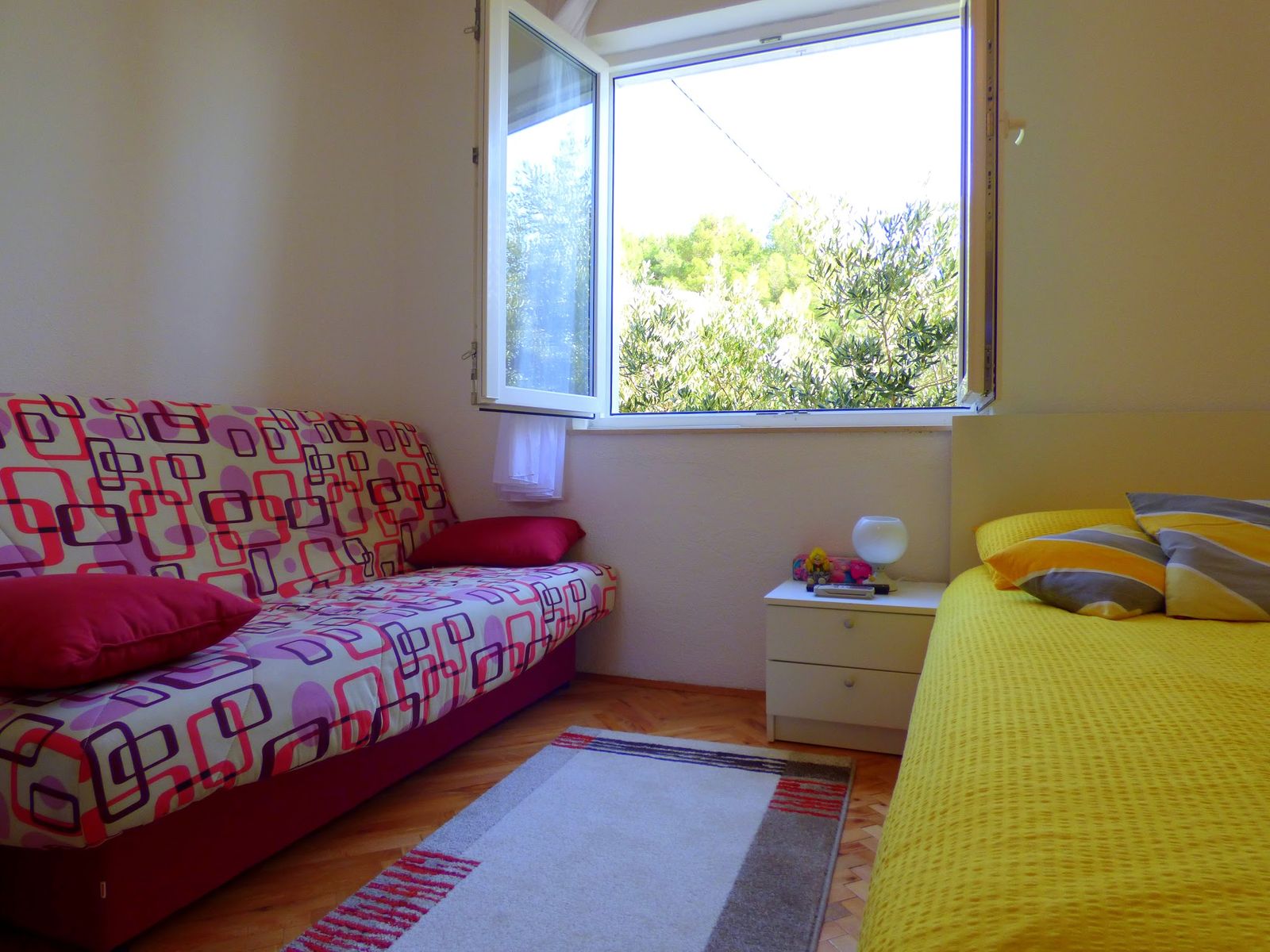
Penthouse apartment with a large terrace with sea view. Fully equipped: dishwasher, washing machine, TV, fast WiFi, air conditioner.
Just few minutes walk from the beach and close to restaurants and shops. One parking place is included.
Pricing (up to 2 people):
- before 31.05. = 60 Eur
- 01.06. - 30.06. = 70 Eur
- 01.07. - 14.07. = 90 Eur
- 15.07. - 15.08. = 100 Eur
- 16.08. - 31.08. = 90 Eur
- 01.09. - 30.09. = 70 Eur
- after 01.10. = 60 Eur
Additional person (up to 3 max): 10€/day.
Minimum stay is 5 nights.